How to Reduce Image Size Without Losing Quality (Free Online Tools)
Images make websites attractive, engaging, and professional. But large image files can slow down websites, increase loading time, and negatively impact user experience.
Many people believe reducing image size will reduce image quality. The truth is, with the right tools and formats, you can reduce image size without losing visible quality.
In this guide, you will learn why image optimization is important and how to reduce image file size using free online tools.
Why Image Size Matters for Websites and SEO
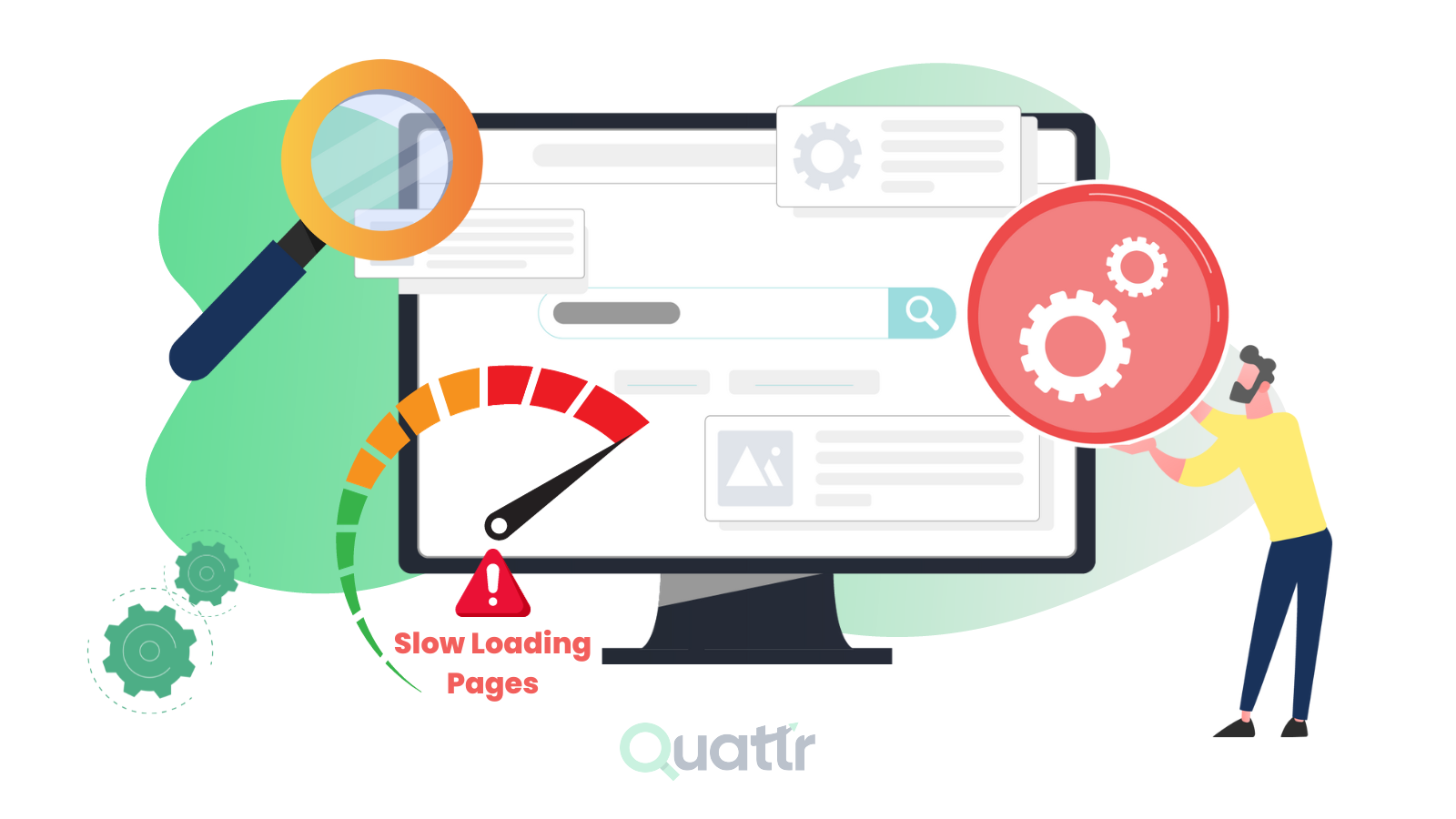
Large images are one of the most common reasons for slow websites.
When images are not optimized:
- Web pages load slowly
- Visitors leave quickly
- Mobile users face poor experience
- Search engine rankings drop
Search engines prefer fast-loading websites. Optimizing images helps improve both speed and SEO.
Common Image Problems People Face
Many users struggle with image-related issues such as:
- Large image file size
- Slow website loading
- Images taking too much storage
- Upload size limits
- Low-quality compressed images
These problems can be solved using modern image optimization techniques.
Best Ways to Reduce Image Size Without Losing Quality
There are several effective ways to reduce image size while maintaining quality.
Compress Images Online
Image compression reduces file size by removing unnecessary data while keeping visual quality intact.
This tool compresses images quickly and works for JPG and PNG formats.
Resize Images to the Right Dimensions
Many images are uploaded in very large dimensions even when smaller sizes are needed.
Use:
Online Image Resizer
Resizing images to required dimensions reduces file size significantly.
Convert Images to Modern Formats
Modern image formats offer better compression with high quality.
WEBP and AVIF formats provide smaller file sizes compared to JPG and PNG.
Use the Correct Image Format
Choosing the right image format plays a major role in optimization.
- JPG – Best for photographs
- PNG – Best for transparency
- WEBP – Best for web performance
- AVIF – Best for advanced compression
Converting images to the correct format improves both quality and speed.
Image Optimization for SEO
Image optimization is not just about file size. It also includes SEO best practices.
Optimized images help:
- Improve page speed
- Enhance mobile performance
- Increase search visibility
- Improve user experience
Always use descriptive file names and add alt text to images for better SEO.
Who Should Optimize Images
Image optimization is important for:
- Website owners
- Bloggers and content creators
- Online store owners
- Digital marketers
- Designers
Benefits of Using Online Image Optimization Tools
- No software installation
- Works on all devices
- Fast and easy to use
- Free for most tasks
- Improves website performance
Are Online Image Optimization Tools Safe?
Most trusted tools process images directly in the browser or delete files automatically after processing.
Avoid uploading sensitive or personal images on unknown platforms.
Final Thoughts
Reducing image size without losing quality is essential for modern websites.
Using free online image optimization tools, you can compress, resize, and convert images easily while keeping them sharp and clear.
Smaller images mean faster websites and better SEO.


Comments (0)
Leave a Comment