
Best Free Image Converter Tools to Change Any Image Format Online
Images are an important part of our daily digital life. We use images on websites, social media, online stores, documents, and mobile apps. But one common problem almost everyone faces is image format compatibility.
Sometimes an image does not upload. Sometimes the file size is too large. Sometimes a website or app does not support a specific image format.
This is where free image converter tools online become extremely useful. These tools allow you to convert images into different formats quickly, without installing any software.
Why Image Conversion Is Important
Different image formats are designed for different purposes. Using the wrong format can affect image quality, website speed, and compatibility.
- JPG – Best for photos and general use
- PNG – Ideal for transparency and logos
- WEBP – Great for website speed and SEO
- HEIC – Used by iPhones, not supported everywhere
- AVIF – Modern format with high quality and small file size
If you upload an unsupported format, your image may fail to load or appear broken. Image conversion helps you solve this problem instantly.
Common Image Problems People Face
Here are some of the most common image-related problems users face every day:
- Website does not accept HEIC images
- Image file size is too large
- Transparency is lost after upload
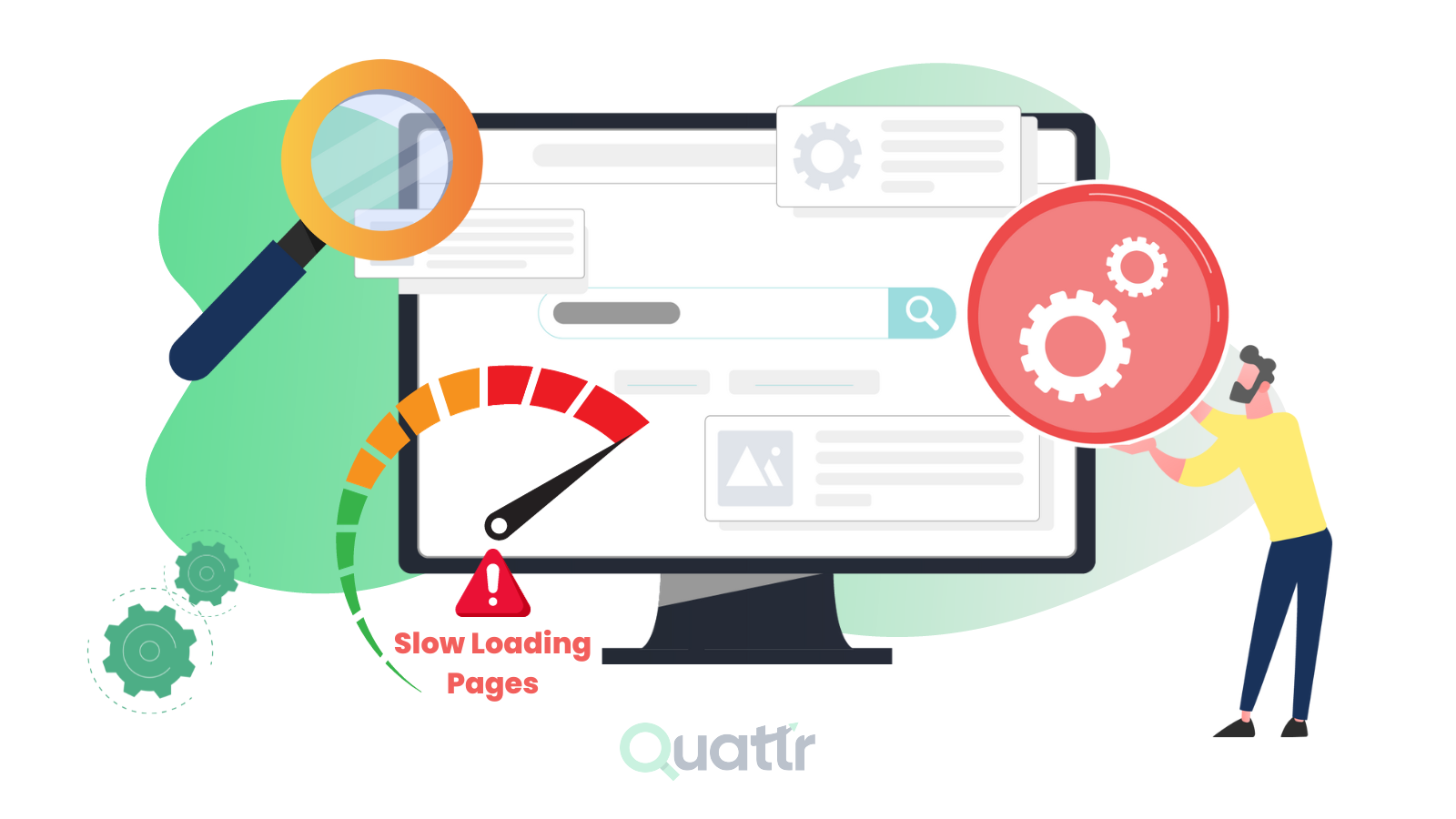
- Slow website loading because of heavy images
- Images not displaying correctly on all devices
All these problems can be fixed easily using online image converter and optimization tools.
Best Free Image Converter Tools Online
Below are some of the most useful and commonly used image converter tools that help you change image formats quickly:
- PNG to JPG Converter – Best for compatibility and smaller file size
- JPG to WEBP Converter – Perfect for faster websites and better SEO
- HEIC to JPG Converter – Ideal for converting iPhone photos
- WEBP to PNG Converter – Keeps transparency intact
- PNG to AVIF Converter – Advanced compression with high image quality
These tools work directly in your browser and do not require any installation.
Reduce Image Size Without Losing Quality
Large images slow down websites and affect user experience. Search engines like Google prefer fast-loading websites.
You can optimize images using these tools:
- Image Compressor Tool – Reduce image size without quality loss
- Image Resizer Online – Resize images by pixels or percentage
Optimized images improve website speed, SEO ranking, and mobile performance.
Who Can Use Online Image Converter Tools
Image converter tools are useful for everyone, including:
- Students submitting assignments
- Website owners and bloggers
- Designers working with multiple formats
- Online sellers uploading product images
- Social media creators
Why Online Image Tools Are Better Than Software
Online image tools offer many advantages compared to traditional software:
- No download or installation required
- Works on mobile, tablet, and desktop
- Fast and easy to use
- Free for most tasks
- Beginner-friendly interface
You can convert, resize, and optimize images in just a few clicks.
Are Online Image Converter Tools Safe?
Most modern online tools process images securely and automatically delete files after conversion. This makes them safe for regular use.
Always use trusted platforms and avoid uploading sensitive images if not required.
Final Thoughts
If you work with images regularly, free online image converter tools can save you a lot of time and effort.
Instead of installing heavy software, you can convert and optimize images instantly using simple, fast, and free online tools.
One platform, many image tools — simple, secure, and efficient.
Comments (0)
Leave a Comment