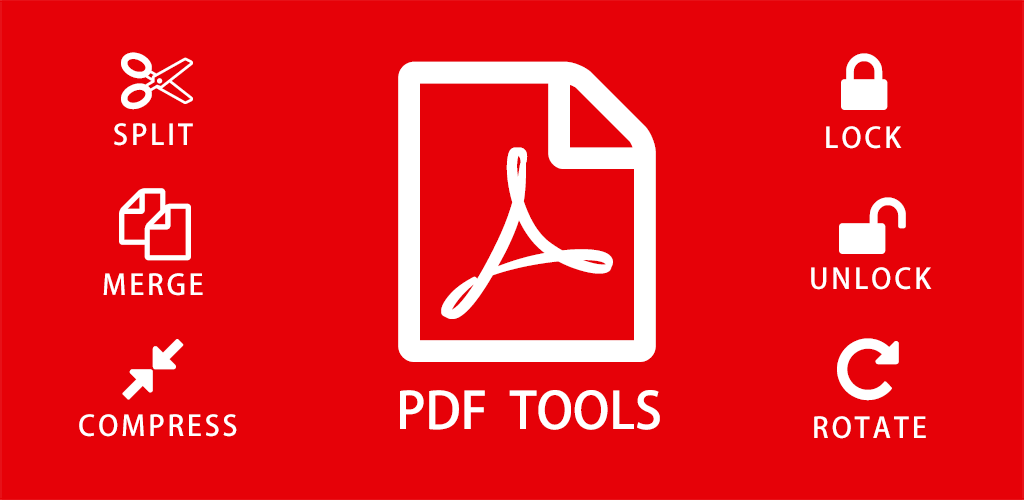
How to Edit, Convert, and Compress PDF Files Online for Free
PDF files are used everywhere today. From school assignments and office documents to invoices and online forms, PDF is the most common document format.
But working with PDF files is not always easy. Many people think they need expensive software just to edit or convert a PDF.
The good news is that you can now edit, convert, compress, and manage PDF files online for free using simple tools that work directly in your browser.
Common Problems People Face with PDF Files
Here are some very common PDF problems:
- PDF file size is too large to upload or email
- Need to convert PDF to Word or image
- Want to merge multiple PDF files
- Need to delete or extract pages from PDF
- Want to protect PDF with a password
All these issues can be solved easily using online PDF tools.
Why Use Online PDF Tools Instead of Software
Traditional PDF software is often expensive and complicated. Online PDF tools are much easier and more practical for daily use.
Online PDF tools offer:
- No software installation
- Works on mobile, tablet, and desktop
- Fast processing
- Beginner-friendly interface
- Free access for most tasks
Best Free PDF Tools You Can Use Online
Below are the most useful PDF tools that people use every day to manage documents efficiently.
Compress PDF to Reduce File Size
Large PDF files are difficult to upload and share. Compressing PDFs helps reduce file size without affecting quality.
Use this tool:
Compress PDF File Online
Convert PDF to Word, JPG, or PNG
Sometimes you need to edit content inside a PDF. Converting PDF to Word or images makes editing easy.
- PDF to Word Converter – Create editable documents
- PDF to JPG Converter – Convert pages into images
- PDF to PNG Converter – Extract high-quality images
Merge Multiple PDF Files into One
If you have multiple PDFs and want them in one document, merging is the best solution.
Split or Extract Pages from PDF
Sometimes you only need specific pages from a PDF. Splitting or extracting pages saves time and effort.
Use:
Protect PDF Files with Password
If your PDF contains sensitive information, adding a password is a smart move.
Use:
Protect PDF with Password
Add Page Numbers and Edit PDF Layout
For professional documents, page numbers are important.
Who Should Use Online PDF Tools
Online PDF tools are useful for:
- Students and teachers
- Office employees
- Freelancers and consultants
- Business owners
- Online sellers
Anyone who works with documents regularly can benefit from these tools.
Are Online PDF Tools Safe?
Most trusted PDF tools automatically delete uploaded files after processing.
This ensures your documents remain private and secure. Still, avoid uploading highly sensitive documents on unknown platforms.
Final Thoughts
Managing PDF files does not have to be difficult or expensive.
With free online PDF tools, you can compress, convert, merge, split, and protect PDF files easily without installing any software.
Simple tools, faster work, and stress-free document management.
Comments (0)
Leave a Comment